Settings / Add-ons / Manage
Add-ons
Only Enterprise accounts have access to Add-ons feature.
Access
If your account has any active Add-ons, you can access the Add-ons Management page from the Settings menu.
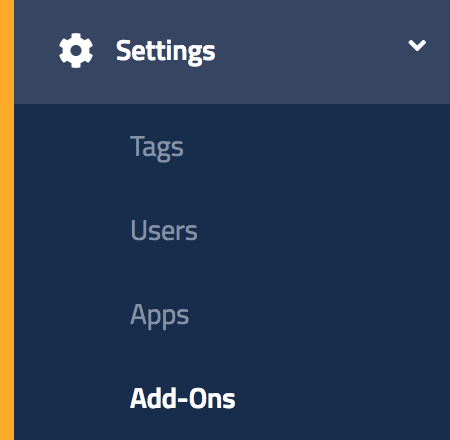
Access to Add-ons
Certain Add-ons require specific access to 3rd Party services which the account holder is generally responsible for signing up with. Please contact your account executive or support@pulseid.com to assist with getting access.
Manage
Only Add-ons that have been enabled for your account will appear in the list.
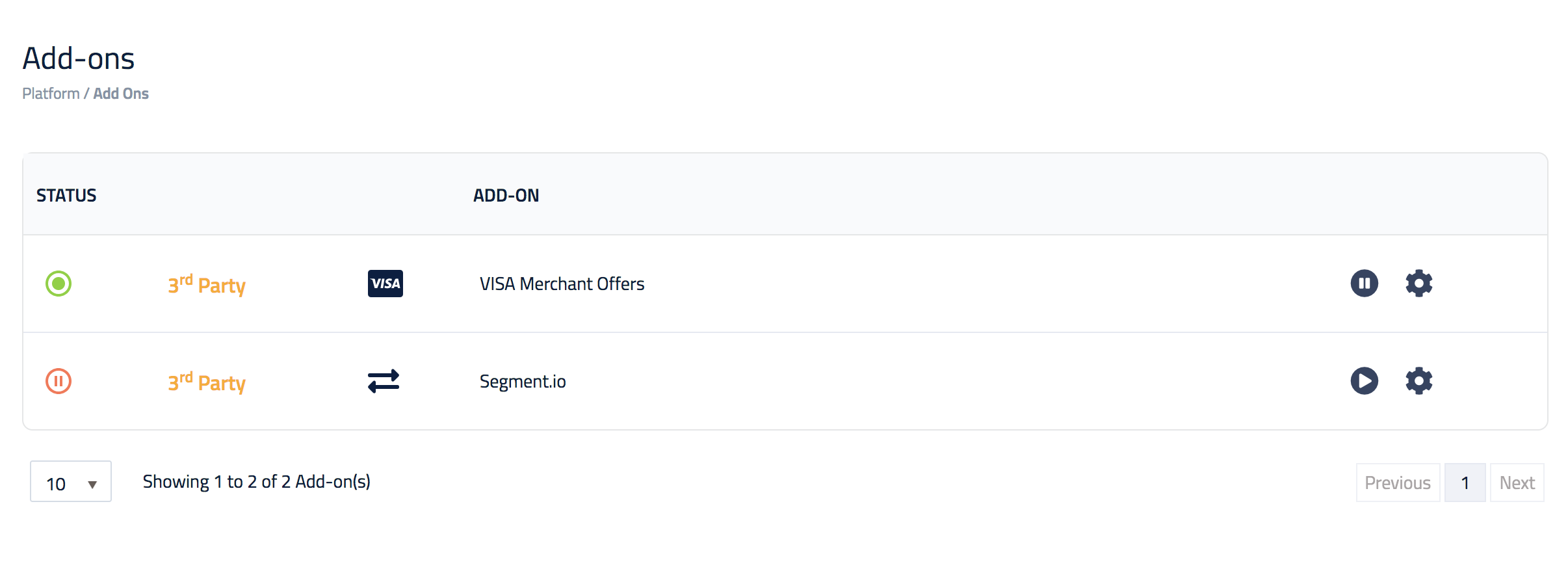
| Operation | Description |
|---|---|
 |
Contains the instructions and settings to configure the Add-on |
 |
Disables the Add-on, preventing it from being used within Catalyst |
Disabling Add-ons
Any Campaign that was configured to use an Add-on will cease operations and cannot be modified when that Add-on is disabled by the Account/Platform administrator.