Settings / Tags
Tags
Tags provide the ability to define logical groups for your Beacons and Geofences. They simplify the Campaign targeting setup by enabling quick selection of hundreds of Beacons and Locations.
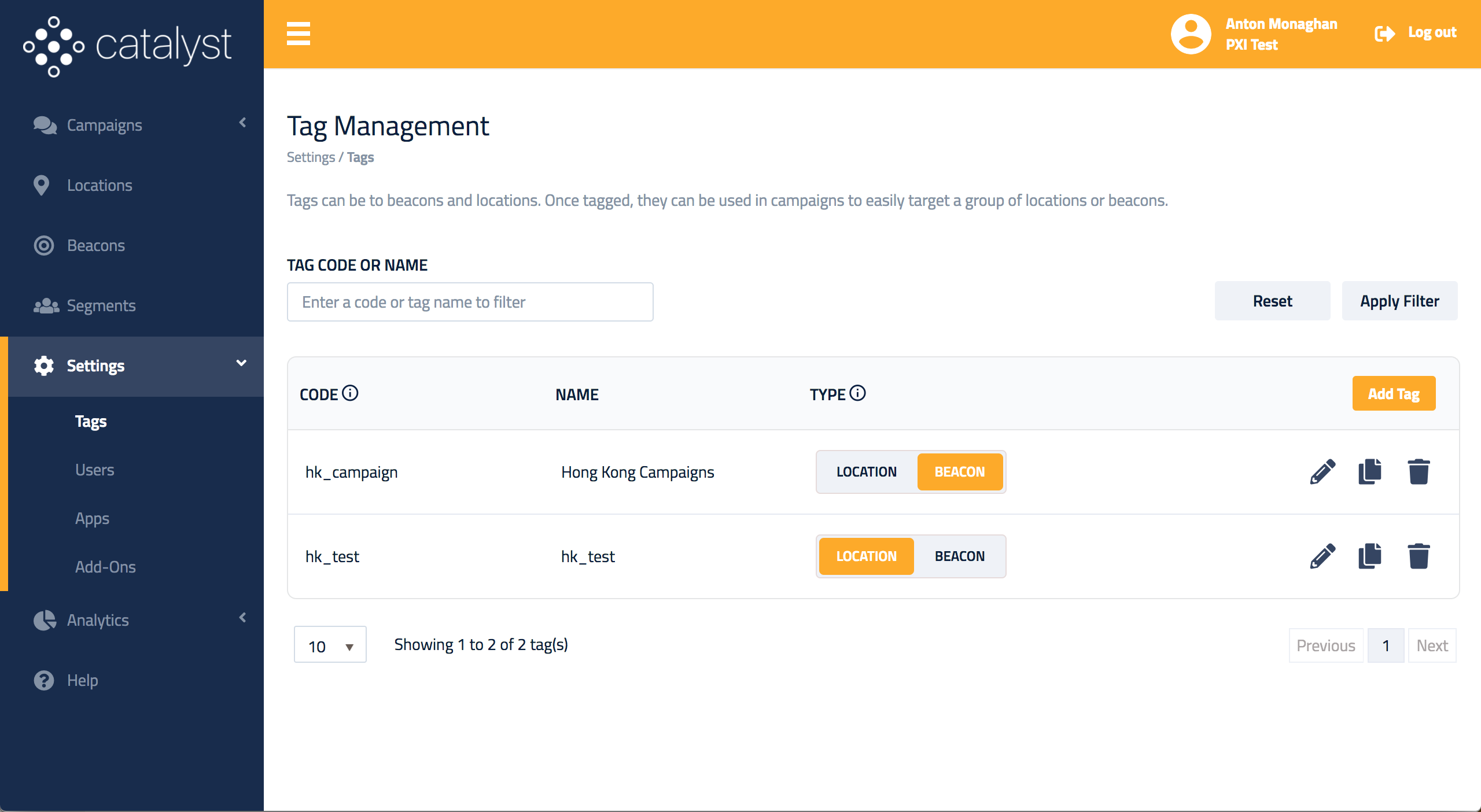
Use the Tag Management page to create and manage your Tags. Click the Add Tag button in the top-right corner to add a new Tag.
Add tag
Enter a code and name for your Tag. You can create two types of Tags :
- Beacon
- Location

Tag naming convention
Tag codes must be unique and cannot be changed once created. Thus, name them carefully to ensure they are relevant to your use case.
Update tag
Tag name and type can be updated :

Danger
If you delete a Tag, all associated information linked to Locations and Beacons will be immediately removed and cannot be recovered.